Beyond the AI Itself: What Software Does a Company Need to Make AI Really Work?
TMI Soft team, AI FDE Engineer8 min read
Quick summary
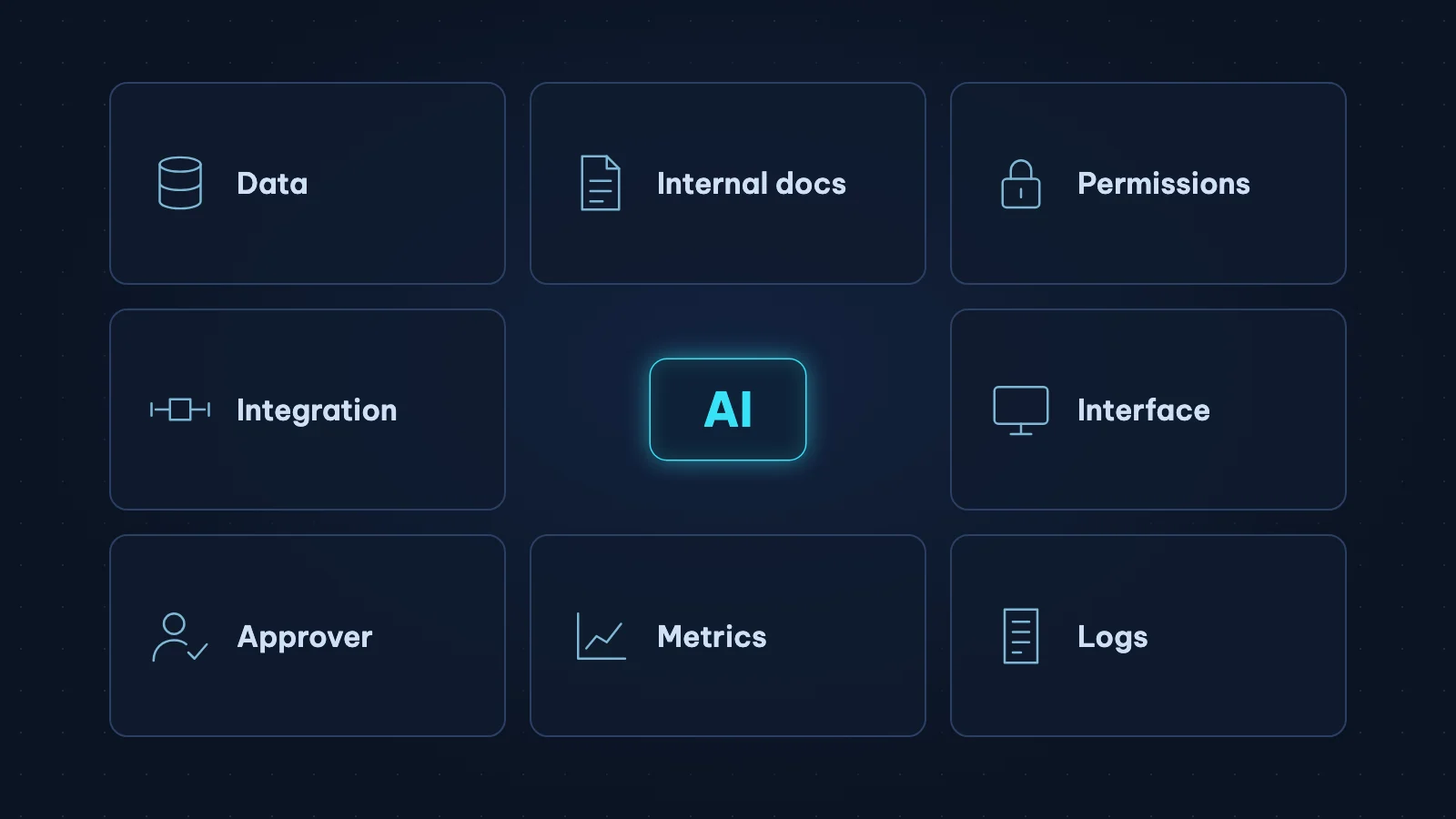
To make AI work in daily operations, a company needs more than an AI account. It needs the software around it: connections to the data and systems in use, a place to store internal documents for AI to search, permissions for who may see what, an interface right inside employees’ work, human approval steps, and logs to measure results and cost. The AI model can be rented, but the surrounding software usually has to be built specifically for each company, and that is what decides whether AI is really used.
Key takeaways
- In a real AI system, the AI model is only a small part; most of the effort lies in the surrounding software
- Six components are needed: data connections, a document store for AI to search, permissions, an interface inside the work, human approval, logging and measurement
- Gartner predicts that through 2026, organizations will abandon 60% of AI projects that lack AI-ready data
- Rent the AI model; the connection to a company’s own systems and processes usually has to be built custom
- Before choosing an AI tool, check where the data sits, who may see it, and where the AI’s results will go
Many companies have watched a very impressive AI demo: ask in Vietnamese, AI answers instantly, summarizes a contract in seconds, drafts an email to a customer. But a few months later, the tool is still not used by employees every day. The AI does not know yesterday’s orders, cannot look up inventory, does not know whether the person asking is allowed to see payroll, and every answer still has to be copied by hand into other software.
The reason usually is not the AI model. The demo only shows the AI; to make AI work in real work, a company also needs the software around it. This article explains what that software consists of, why AI projects often stall at the pilot stage without it, and which parts to buy and which to build.
The AI model is only a small part of the system
In 2015, a group of Google engineers published the paper Hidden Technical Debt in Machine Learning Systems at the NeurIPS conference. The paper’s most famous figure is a small box in the middle labeled “ML code”, surrounded by much larger boxes: data collection, data verification, configuration management, serving infrastructure, monitoring. The authors’ caption: only a small fraction of a real-world ML system is composed of the ML code; the required surrounding infrastructure is vast and complex.
Ten years later, generative AI such as ChatGPT, Claude or Gemini has made “the AI itself” easier to get than ever: you simply rent it through an account or an API. But the surrounding part is still there, and the major forecasts all point at it:
- Gartner (07/2024) predicted that at least 30% of generative AI projects would be abandoned after the proof-of-concept (PoC) stage by the end of 2025, because of poor data quality, inadequate risk controls, escalating costs or unclear business value.
- Gartner (02/2025) predicted that through 2026, organizations will abandon 60% of AI projects that lack AI-ready data. The accompanying survey showed that 63% of organizations do not have, or are not sure they have, the right data management practices for AI.
- MIT NANDA’s The GenAI Divide report (2025) concluded that most generative AI investments have not produced measurable profit, and the main cause is that AI is not attached to how work actually happens, not that the models are weak.
In other words: once a company has chosen an AI model, it has only come a short way. The rest is software.
6 software components needed around AI
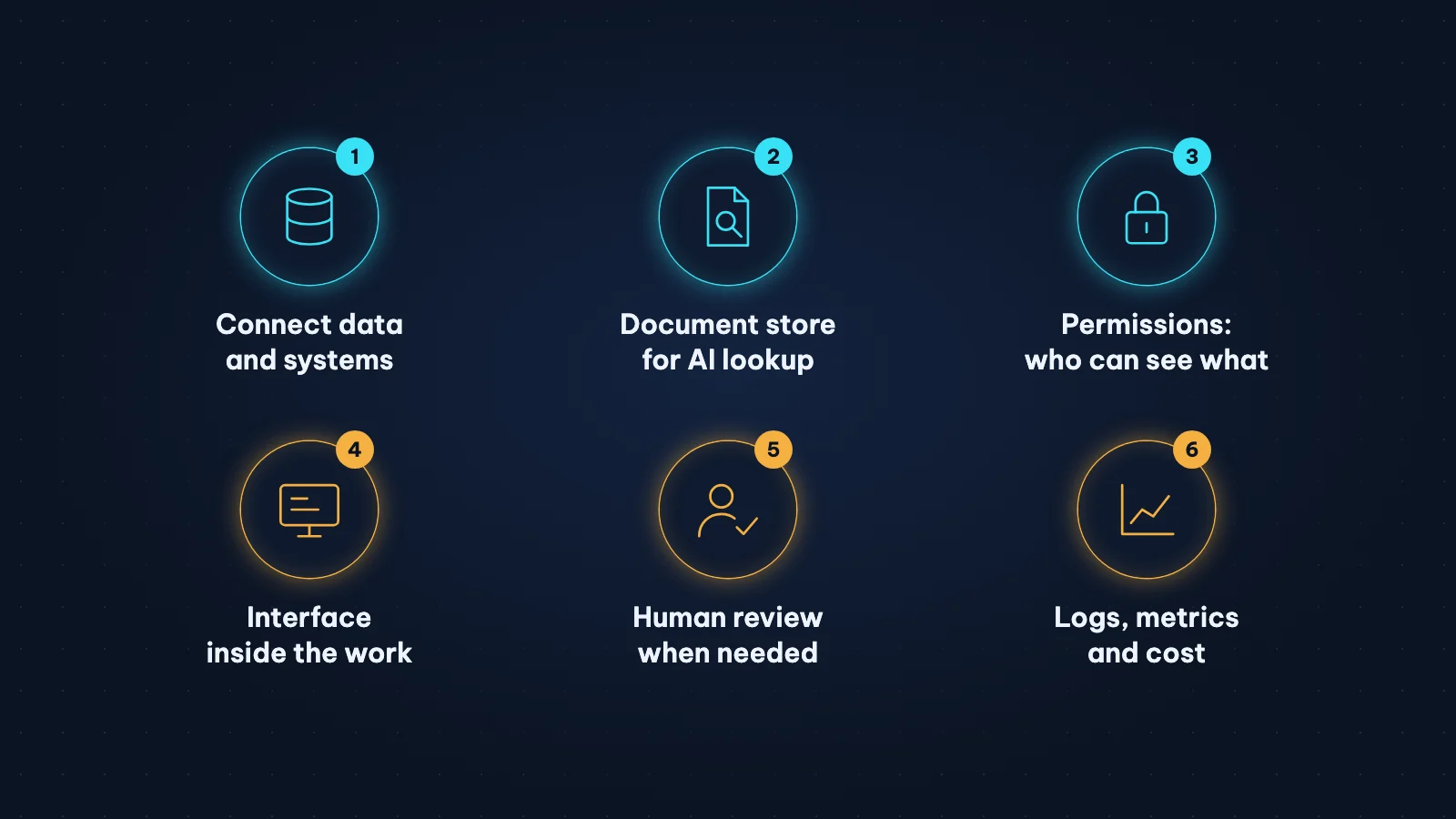
1. Connections to the data and systems already in use
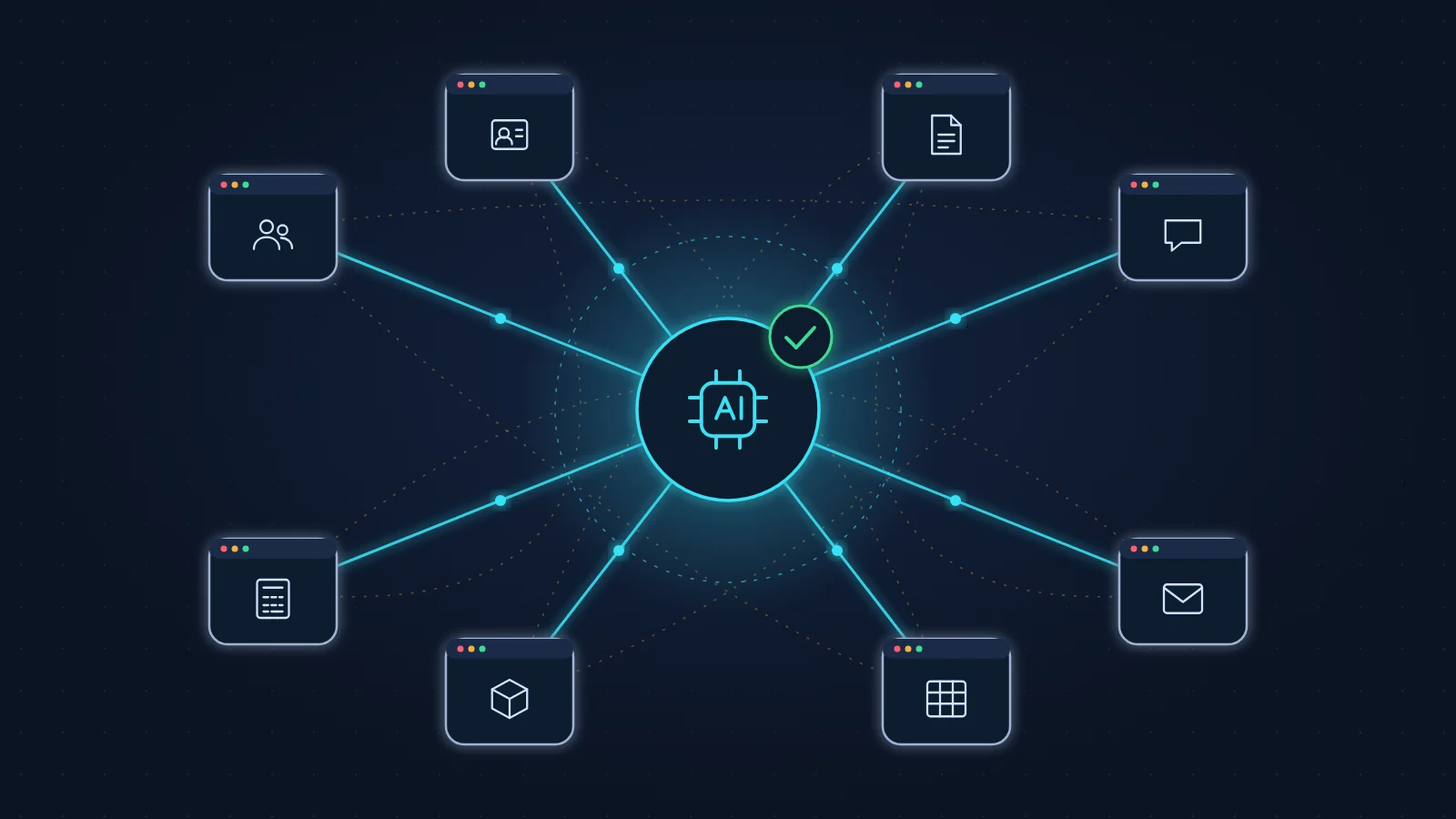
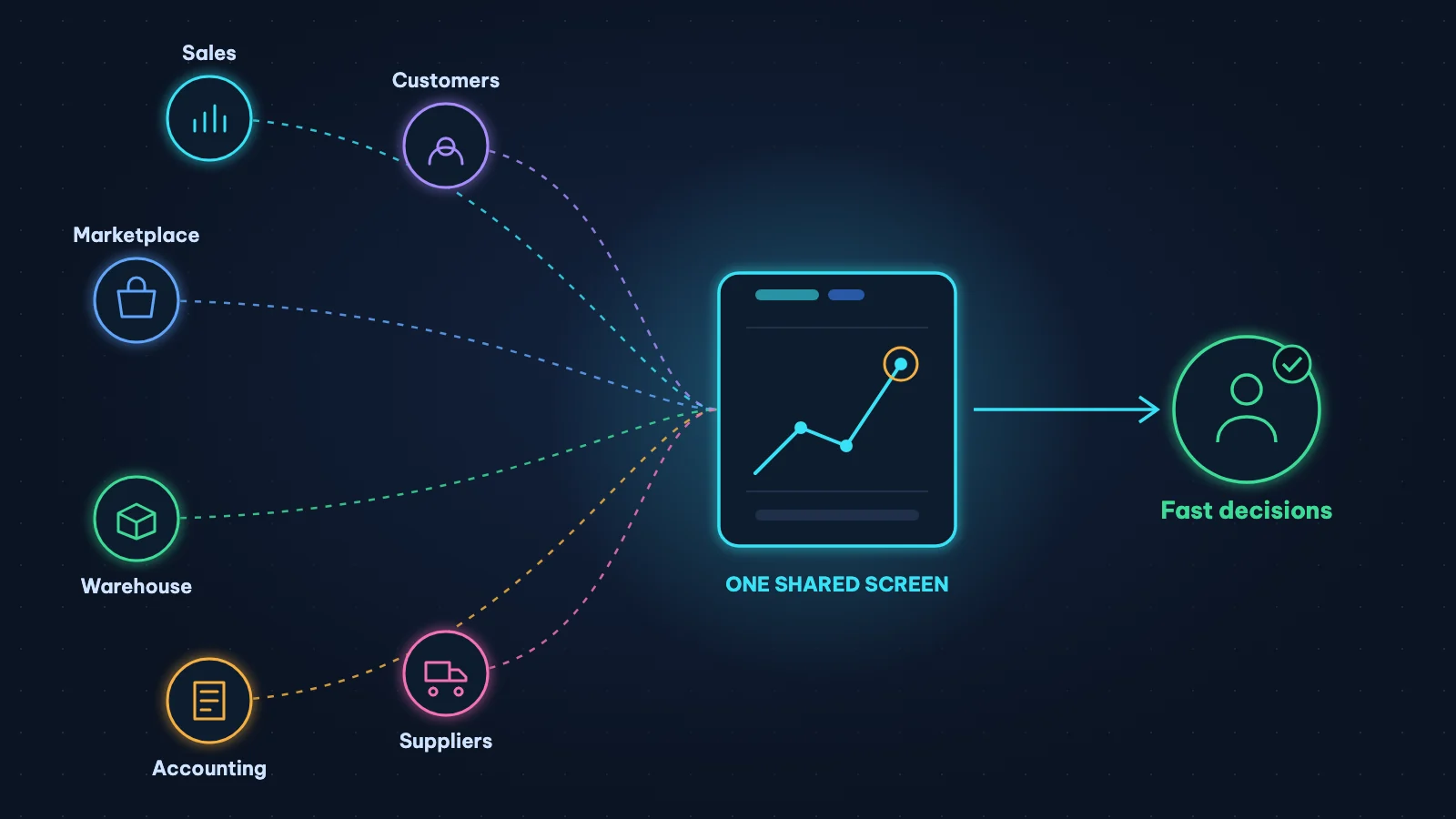
AI only answers well when it has the right data. That data sits in accounting software, ERP, CRM, sales software, email, and Excel files on each person’s machine. Software is needed to pull data from those places, clean it, refresh it periodically, and in the reverse direction, write the AI’s results back into the systems (creating tickets, updating order status) instead of having employees copy by hand.
If missing: AI answers with outdated information or generic information from the internet, and employees again have to look things up and enter them by themselves as before.
2. An internal document store for AI to search
Procedures, product handbooks, price lists, contract templates, customers’ frequently asked questions. AI needs a place to find the right relevant passage before answering, and that place must be updated when documents change. Engineers call this approach RAG (retrieve, then answer). For business people, just remember: AI does not know internal documents by itself; software has to hand it the right documents.
If missing: AI “guesses” answers that sound very reasonable but contradict company rules.
3. Permissions: who can see what
Within a company, salespeople may not see payroll, and one branch may not see another branch’s customers. When AI can read all the data, the software must ensure AI answers the asker only with what that person has the right to see, signs in with company accounts, and keeps confidential data inside the permitted scope.
If missing: a seemingly harmless question can expose sensitive data to people who are not allowed to see it.
4. An interface inside the work itself
Employees will not open another web page to ask AI if that slows their work. AI is used the most when it appears right in the screen the employee is already working in: in the sales software, in the mailbox, in the company’s Teams or Zalo, or as a “draft quote” button right on the request ticket.
If missing: the AI tool is available but few people use it, and after a few months it is forgotten.
5. Human approval steps
AI can be wrong. For low-risk work (summaries, drafts), users reviewing it themselves is enough. For anything sent outside or involving money (quotes, replies to complaints, approving expenses), software is needed to set thresholds: within the threshold it runs, outside it goes to the right approver, with a screen where that person can quickly edit and confirm.
If missing: either nobody dares let AI do real work, or AI makes mistakes that nobody notices.
6. Logging, measurement and cost
Leaders need to know how much AI is used, how often it answers correctly, how many hours it saves, and how much the AI fees cost each month. Software is needed to record questions, answers and approvers, report by department, and alert when costs rise abnormally or when the share of answers being corrected goes up.
If missing: you cannot prove effectiveness, cannot control costs, and when an incident happens you cannot trace it back.
Example: AI answering a customer asking about order status
An illustrative example common in trading companies: a customer messages “Has my order shipped, and when will it arrive?”. In a demo, AI answers this very easily. In reality, that question has to pass through all six components:
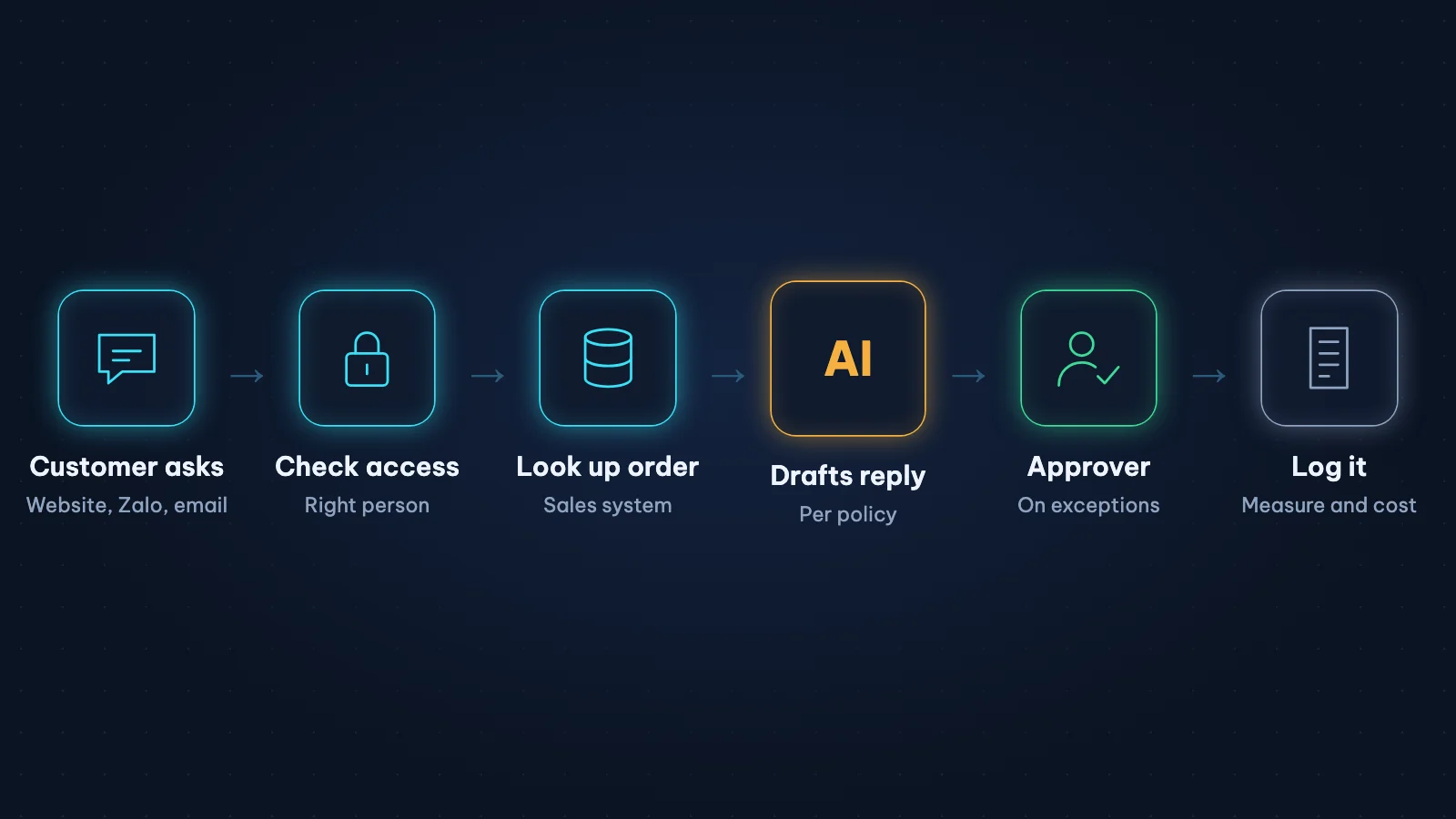
| Step | Software component | What has to be done |
|---|---|---|
| The customer sends a message | Interface | Receive the message from the channel the customer already uses (website, Zalo OA, email), without making the customer install anything |
| Identify the customer | Permissions | Know which customer is asking, who may only see their own orders |
| Look up the order | Data connections | Get the order status from the sales software and the carrier |
| Draft the reply | AI + document store | Answer from real data and in line with the company’s delivery and return policy |
| Special cases | Human approval | Order overdue, customer demands compensation: hand over to a customer care employee |
| After replying | Logging and measurement | Save the conversation, count how many answers AI handled itself, how many were handed to people, and the monthly cost |
“The AI drafts the reply” is only one row in the table. The other five rows are software, and are also the part that takes the most time during implementation.
Which parts to buy, which to build?
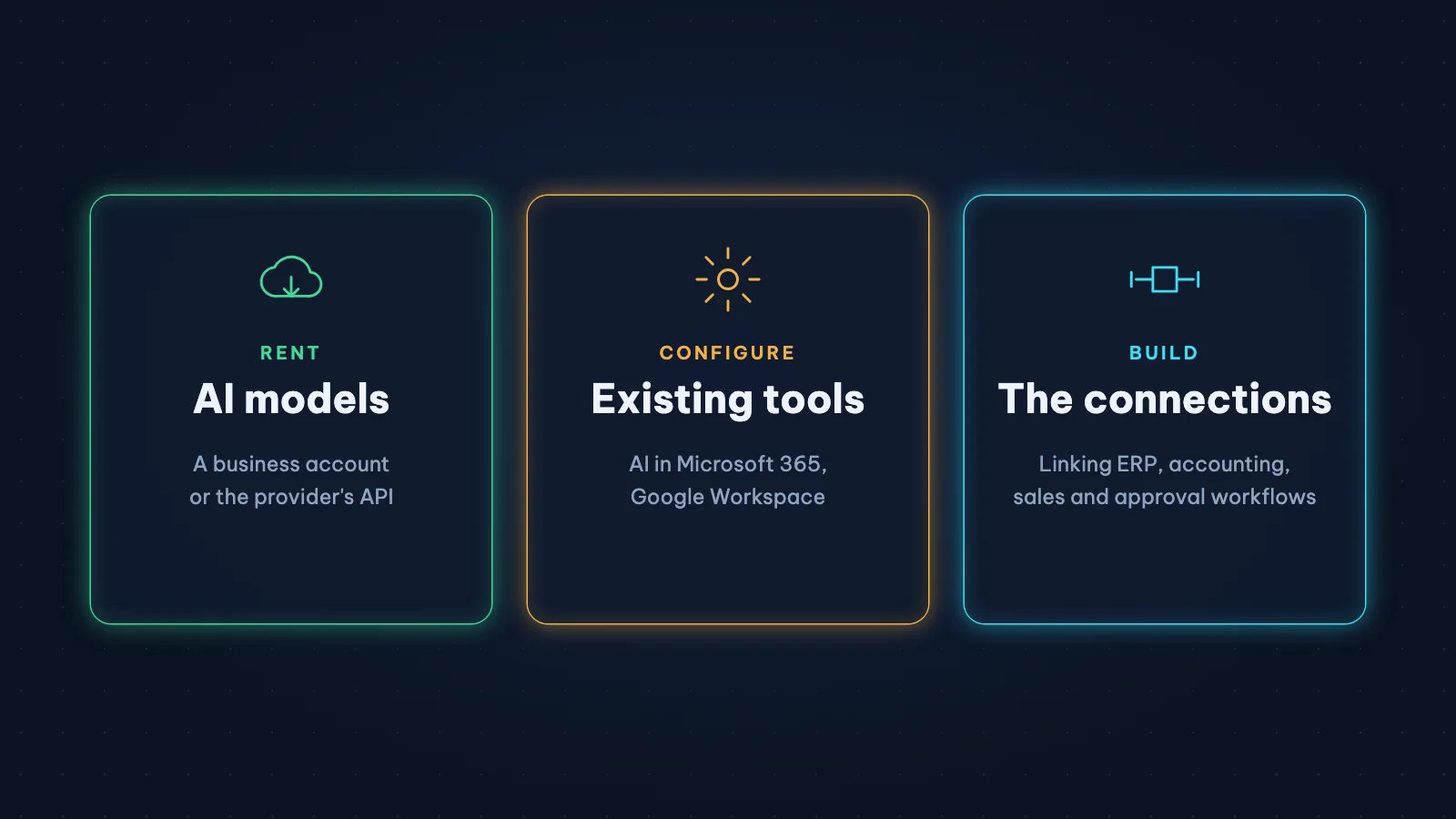
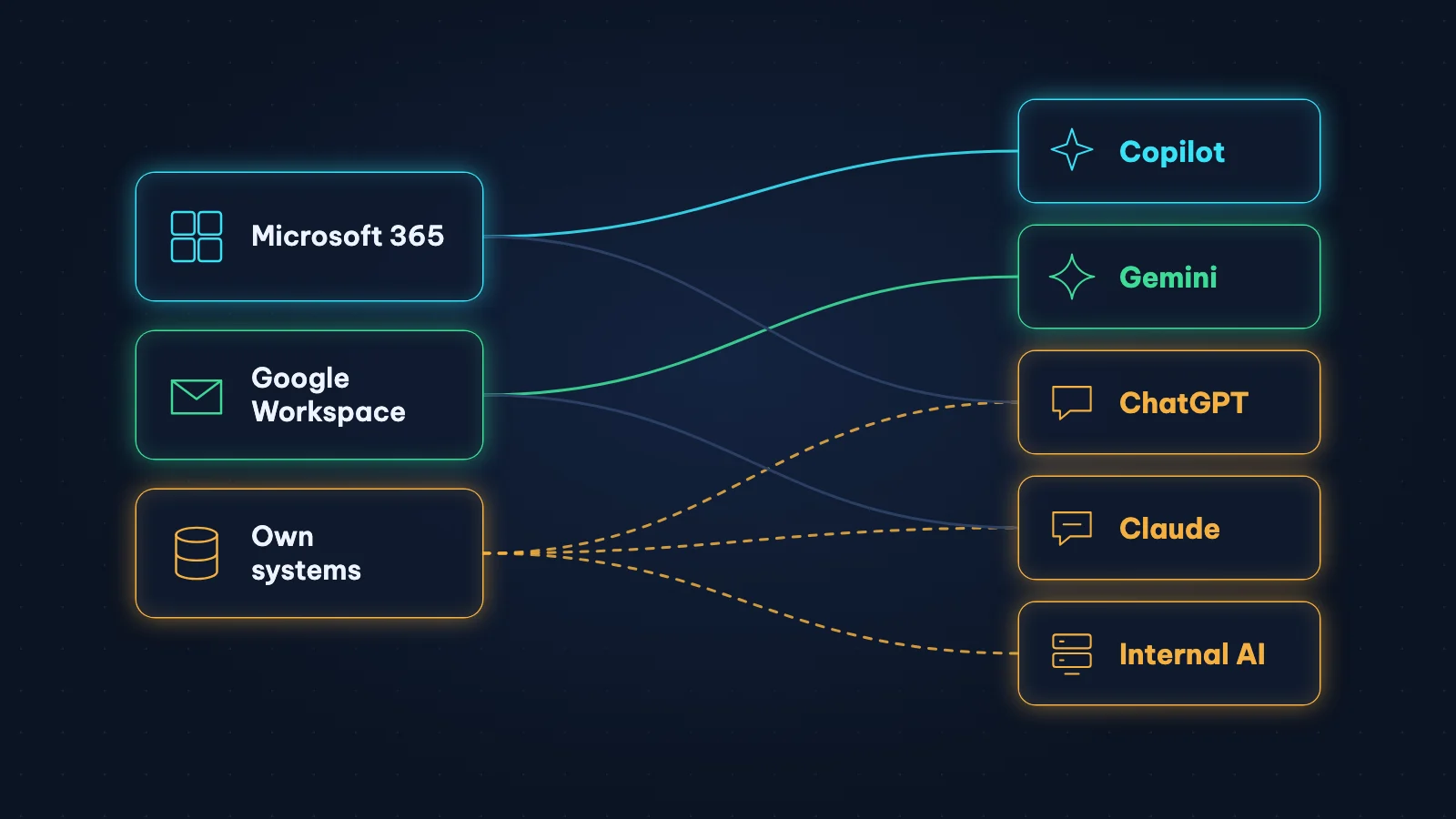
- The AI model: rent it. Training your own model is expensive and rarely needed by small and medium-sized companies. Renting through a business account or the API of the major providers is enough, and you can change providers later if the surrounding software is well designed. (For choosing between tools, see ChatGPT, Copilot, Claude, Gemini or Internal AI.)
- Ready-made tools: configure first. If data mostly sits in Microsoft 365 or Google Workspace (email, documents, calendar), the AI built into those suites already solves part of the connections, permissions and interface. The work is configuring the right permissions and usage policy.
- The connection to systems and your own processes: usually custom. Accounting software, ERP, sales software, price approval rules and ways of working differ from company to company. Connecting AI to those, and placing the approval step in the right place in the process, is the part that no packaged product does completely out of the box.
5 questions to answer before choosing an AI tool
- Where does the data the AI needs sit? In which software, can it be pulled automatically, or is it scattered across Excel files?
- Who may see which data? Have the current permission rules been written down clearly?
- Where will the AI’s results go? Who uses them, in which screen, and do they need to be written back into a system?
- Where is human approval mandatory? What are the thresholds for money, customers and legal matters?
- Which numbers measure success? Processing time, number of errors, number of requests handled per day, and what cost is acceptable?
If questions 1 and 3 cannot be answered, which AI model you choose does not yet matter. That is also why many projects stop at the pilot stage: the demo runs on a few sample files, while nobody has connected the real data.
Where should a company start?
Start with one specific process (for example answering customers about orders, reconciling invoices, drafting quotes), then go through the six components above for that process alone. A small build that has all six components and runs on real data is worth more than a big demo that has only the AI.
This needs someone who understands both sides: the company’s processes and data, and what software and AI can do. That is the role of the FDE (Forward Deployed Engineer): sitting with the operations team, connecting AI to the systems in use, and staying until employees can use it every day. If the current process also needs to change, you can read why old processes need to be redesigned when applying AI; if you are not sure which problem to start with, see Where should a business start with AI?.
References
- D. Sculley et al. (Google), Hidden Technical Debt in Machine Learning Systems, NeurIPS 2015.
- Gartner, Gartner Predicts 30% of Generative AI Projects Will Be Abandoned After Proof of Concept By End of 2025 (07/2024).
- Gartner, Lack of AI-Ready Data Puts AI Projects at Risk (02/2025).
- MIT NANDA, The GenAI Divide: State of AI in Business 2025 (07/2025), summarized at Virtualization Review.
If you have tried AI but have not yet brought it into daily work, a short conversation with a TMI AI FDE engineer can help see where your data sits and what additional software AI needs to really run.
Frequently asked questions
What software does a company need besides AI to deploy AI?
Usually six components: connections to the data and systems in use (accounting, ERP, CRM), an internal document store for AI to search, permissions for who may see what, an interface right inside employees’ work, human approval steps for risky work, and logs to measure effectiveness and cost.
Why does an AI demo work well but fail when brought into real use?
A demo usually runs on a few sample documents and needs no permissions or writing results back into systems. In real use, AI has to pull the latest data from the company’s software, respect data access rights, appear in the screen employees are working in, and have a person approve when needed. Without software for these things, AI cannot enter daily work.
Do we need to build our own AI model?
Usually not. For most companies, renting an AI model through a business account or the API of a major provider is enough. What needs investment is the software that connects AI to the company’s own data, systems and processes.
What does AI-ready data mean?
It is data the AI needs that can be retrieved automatically, is clean and current enough, and has clear rules for who may see what. Gartner predicts that through 2026, organizations will abandon 60% of AI projects that lack AI-ready data.
Is Microsoft 365 Copilot or Gemini for Google Workspace enough?
They are enough for work that sits inside the email, documents and calendar of those suites, if permissions are configured correctly. When AI needs data from accounting software, ERP or sales software, or has to follow the company’s own approval process, a custom connection usually has to be built.